Review: Dell XPS 15 9530 (The Elite Windows Workstation)
Who is this for?
- Windows-focused professionals
- Researchers & Data analysts
- Users who value premium build & upgradeability
Who should skip?
- Users requiring 15+ hours of real-world battery
- Students wanting ultra-light portability
- Teams already locked into the Apple ecosystem
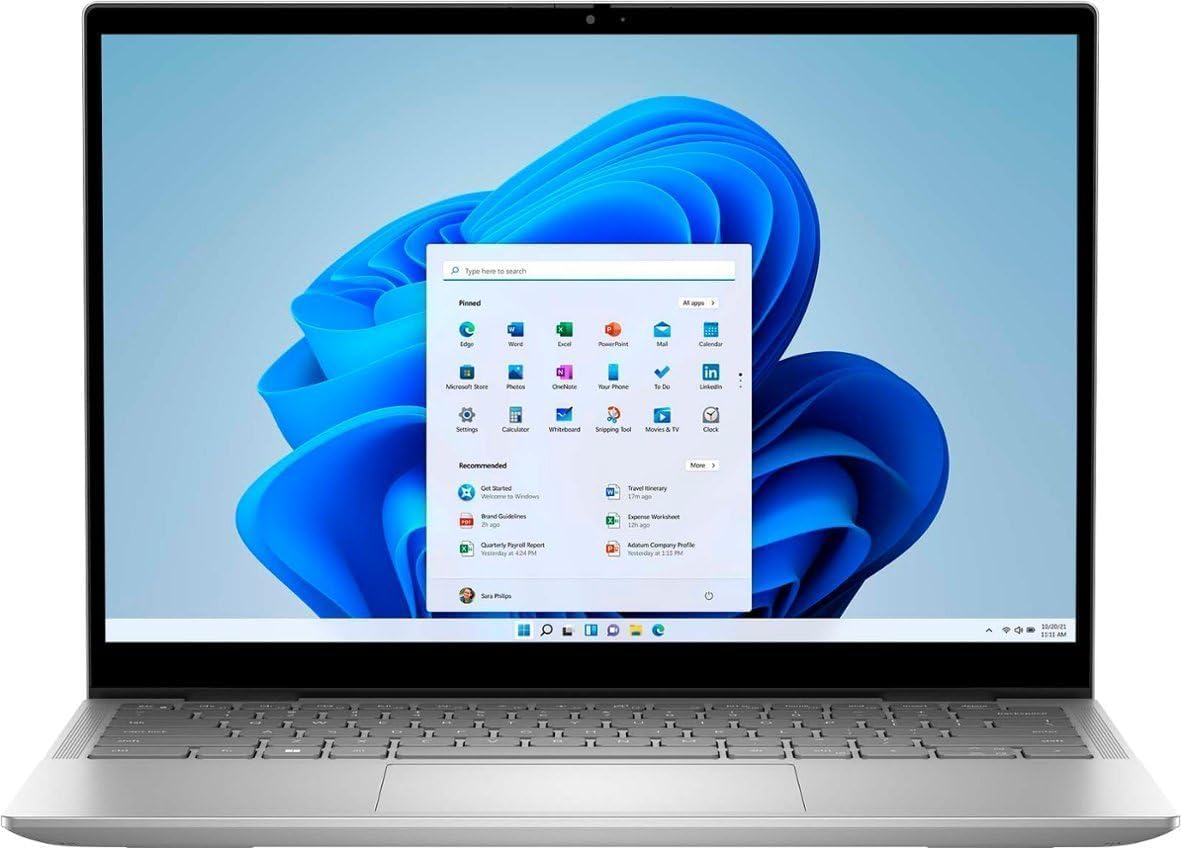
For enterprise developers, data analysts, and founders operating strictly within a Windows architecture, finding a machine that balances raw power with C-suite aesthetics is difficult. The Dell XPS 15 9530 delivers a robust Intel Evo Platform experience designed for compiling heavy .NET frameworks and maintaining a premium look during client pitches.
Key Specifications & Comparison
| Feature | Dell XPS 15 9530 | Traditional Mobile Workstation |
|---|---|---|
| Processor | i7-13700H (14-Core) | Equivalent Xeon/i9 |
| RAM | 16GB-64GB (Upgradeable) | Fixed or Multi-SODIMM |
| Portability | Excellent (4.2 lbs) | Poor (>6 lbs) |
Pros and Cons
The Good
- Best-in-class Windows build quality
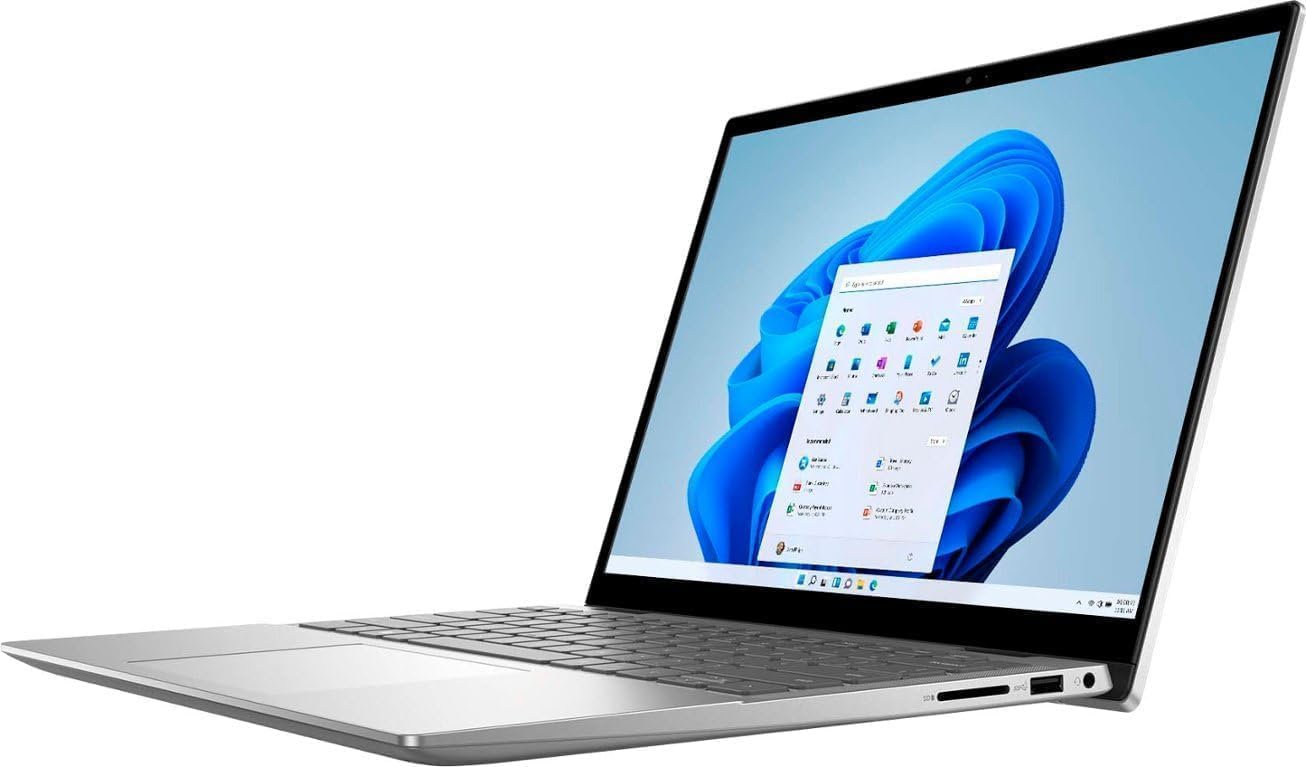
- User-upgradeable RAM and Dual M.2 SSD slots
- Stunning InfinityEdge display options
The Bad
- Intel chips run hotter than ARM alternatives
- Battery life is moderate (6-8 hours real-world)
- Webcam remains at 720p resolution
Business Use Cases
- The Enterprise Architect: Perfect for running Visual Studio, IIS, and SQL Server locally with the stability required for corporate environments.
- The Data Analyst: The 14-core Intel CPU excels at multi-threaded Excel processing and large dataset manipulation in PowerBI.
- The IT Manager's Favorite: Reduced total cost of ownership (TCO) due to the ease of upgrading RAM and storage mid-lifecycle.
Equip your team with Windows excellence.
Scale your infrastructure with the benchmark XPS 15.
Check Current Price on AmazonAlternative Solutions
If your stack isn't strictly Windows-dependent, consider these powerhouses:
- Performance King: For the best performance-per-watt and battery life, see our MacBook Pro M4 Pro Review .
- Convergent Design: For creative leads who need a digital whiteboard and workstation in one, read the Surface Laptop Studio 2 Analysis .
Verdict: Professional Endurance
The Dell XPS 15 9530 remains the definitive choice for the enterprise-level Windows professional. Its build quality, repairability, and dual-slot RAM configuration offer a level of stability and longevity that few competitors can match. If your workflow is anchored in Windows and you value high-resolution visual depth, the 3.5K OLED model is an essential workstation.
The 2026 Laptop Combat Hub
See how the Dell XPS 15 stacks up against the MacBook Pro M4 in our forensic showdown.
MacBook vs Dell XPS vs Surface Studio →Expert Analysis: FAQ
Is 16GB RAM enough for software development?
For most full-stack development, 16GB is the baseline standard. It smoothly handles an IDE, local web server, and multiple browser tabs. However, for running heavy local LLMs, upgrading to 32GB or 64GB (which this model supports) is highly recommended.
Can I install Linux on the Dell XPS 15?
Yes, the Dell XPS series is historically one of the most Linux-friendly premium laptops on the market. Ubuntu and Fedora often run flawlessly out of the box, making it perfect for DevOps engineers who prefer Windows hardware.
Are the RAM and SSD user-upgradeable?
Yes! Unlike the MacBook Pro or Surface Laptop, the XPS 15 9530 features two SODIMM slots and two M.2 PCIe slots, allowing for easy end-user upgrades to storage and memory.
Looking for a Budget Alternative?
If you don't need the 15-inch luxury chassis, the Dell Inspiron 14 Plus (16GB RAM) is our top budget pick for Windows users. It offers similar processing power for 60% less, making it ideal for freelancers on a budget.
Check Current Price on Amazon →